Keep forever
Workbook & templates
Every session ships with a downloadable workbook: the same template the host used, plus a filled-in sample and a blank copy for your own numbers. Yours to keep, forever.
We designed the format around one belief: budgeting is learned by doing, not by watching. Here is exactly what happens before, during, and after each live webinar, so you know what to expect before you reserve a seat.

When you reserve a seat, we email a calendar invite, a reminder, and a short “session brief” — a one-page note on what we will cover and who it is for. There is no required preparation and no pre-reading quiz. If you are brand new to budgeting, that is exactly who most sessions are built for.
The room opens fifteen minutes early. Many learners use that time to test their audio, say hello in the chat, and download the workbook so it is ready to fill in when the host starts.
A typical 90-minute program is divided into four parts. Hosts keep the pace visible on screen, so you always know where we are in the agenda.
The host introduces one idea — say, a monthly plan or a contingency line — with everyday examples instead of formulas.
Everyone fills in the same workbook section together. The host shares a sample scenario and works through it line by line.
Questions arrive by chat or raised hand. The host answers on the spot and adapts the example to your situation where possible.
You name one step you will take this week, write it into the workbook, and leave with a finished mini-plan you can start using immediately.
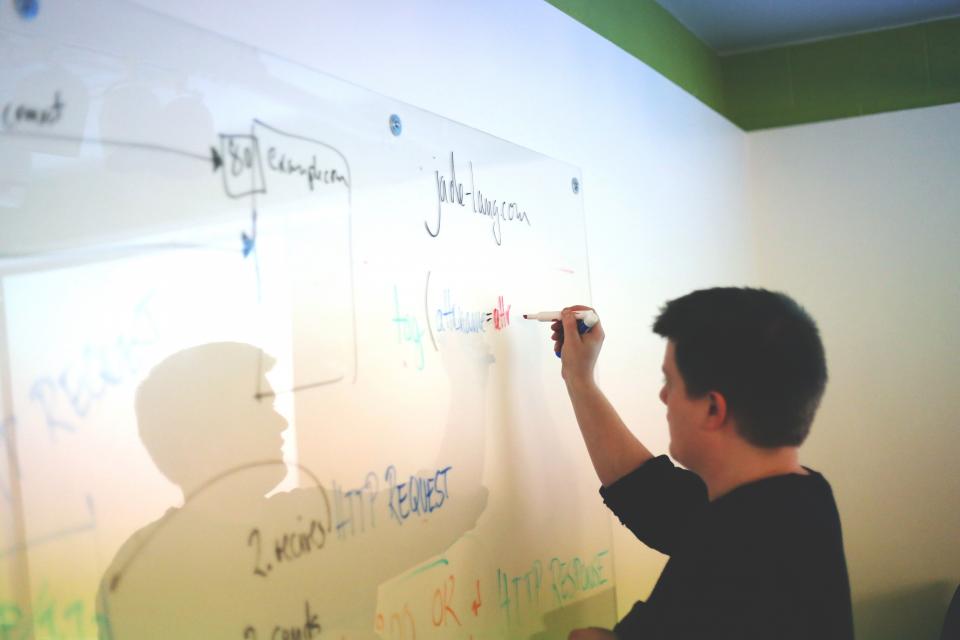
Sessions run in a standard browser through a reliable video platform. There is nothing to install and no account to create before the session — the link in your email is enough. We keep the screen clean: the host, the shared workbook, and a running chat panel.
Every session ships with a downloadable workbook: the same template the host used, plus a filled-in sample and a blank copy for your own numbers. Yours to keep, forever.
Missed a moment or want to rewatch a tricky section? Registered learners can rewatch the recording for seven days after the live session.
If a question is too specific to answer fairly on air, we reply in writing within two business days. Unanswered chat questions are compiled into a session summary sent to all attendees.
Budgiminar is an educational service. Hosts teach general methods and habits used in budgeting; they do not review your personal situation, manage accounts, or recommend specific products, investments, or strategies. Sessions are designed to inform and build skills — not to act as personal financial guidance. Please read our Disclaimer and Terms of Service for details.
Sessions are capped at 40 participants so hosts can answer questions thoroughly. Track and membership learners get priority seating when a session fills up.
Never. You can participate by chat and Q&A only. Many learners keep cameras off; a few enjoy being on screen. Both are welcome.
No. We record only the host's screen and voice for replays. Participant video and audio are never part of the recording, and chat is captured only for the written summary.
Live captions are on by default. If you need another arrangement — such as a specific seating note or materials in a different format — email [email protected] at least 48 hours before the session.
Yes. We offer team seats and private group sessions for five or more people. Reach out through the contact page and we will schedule around your team.